Register or Log In
Last updated: August 5, 2026
Guests never need an account. You only need one to create events, so they stay securely stored and reachable from any device.
1. Open your profile
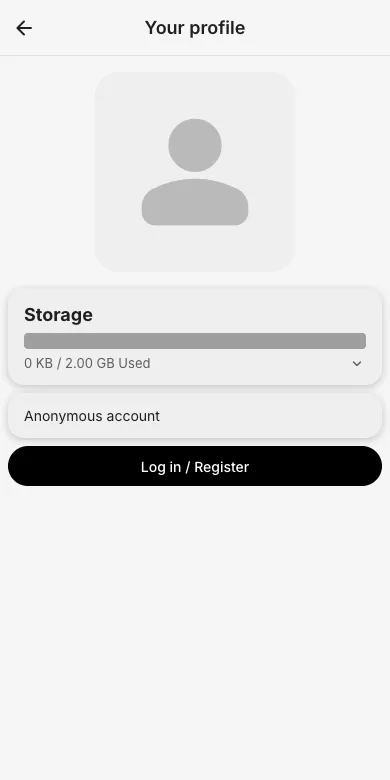
Tap the person icon in the top bar (or the "Log in / Register" button on the start screen). Without an account, the profile page shows "Anonymous account".
2. Choose how to sign in
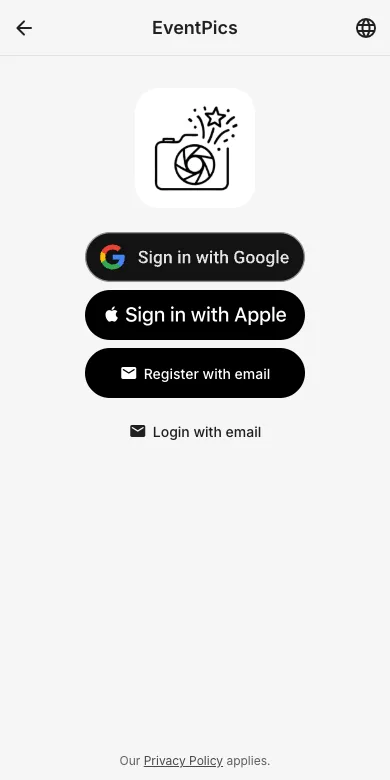
Continue with one of the sign-in providers, Register with email for a new account, or Login with email if you already have one.
3. Register with email
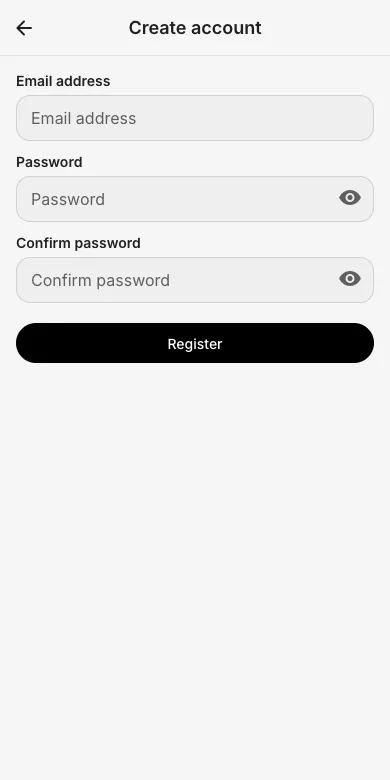
Enter your email address and choose a password. You will receive a confirmation email; creating events requires a confirmed address.
4. Log in
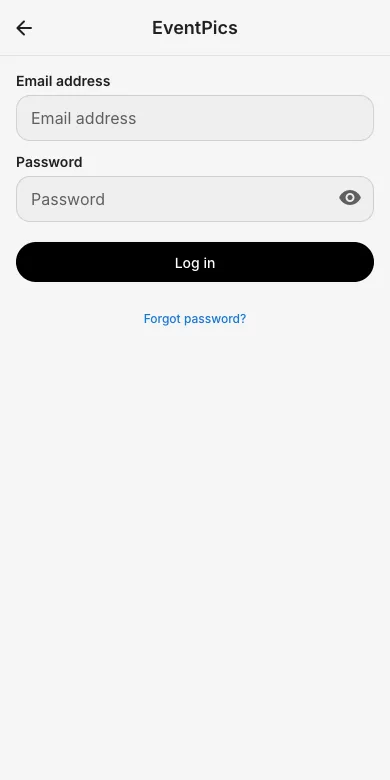
Already registered? Enter email and password. "Forgot password?" sends you a reset link.
Try it yourself
EventPics is free to start: 2 GB storage, unlimited guests, upload in the browser or the app.
Open EventPics