EventPics tutorial – free photo sharing via QR code
Start free: create an event, share a QR code or link, and let guests upload photos and videos without accounts. Everything stays in original quality for slideshows, downloads or photobooks.
Last updated: August 4, 2026
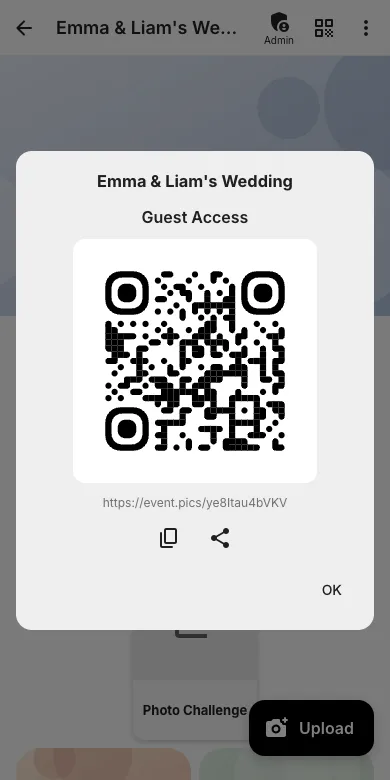
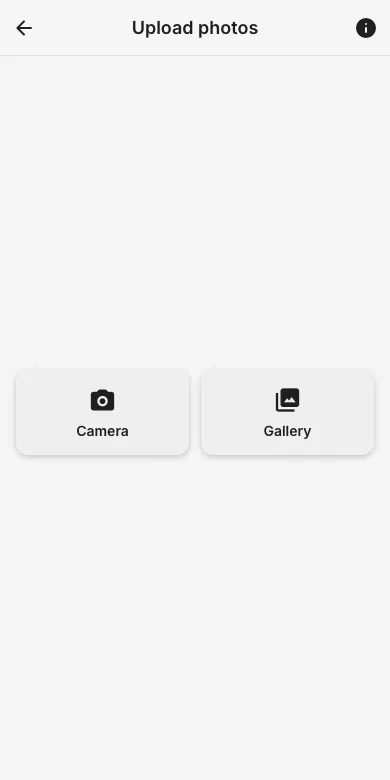
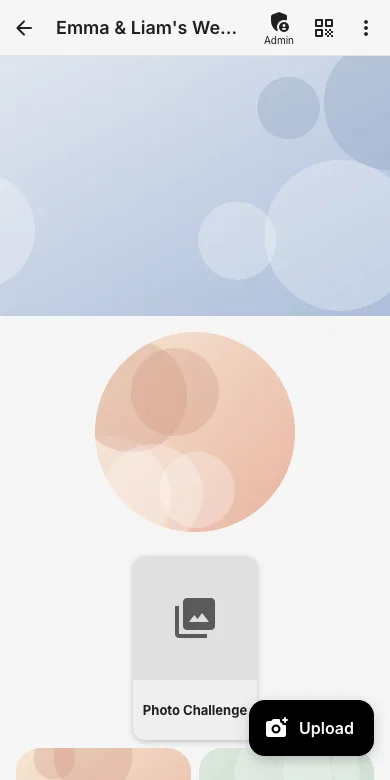
Step-by-step guides
Every workflow explained with real screenshots from the app. Last updated: August 4, 2026
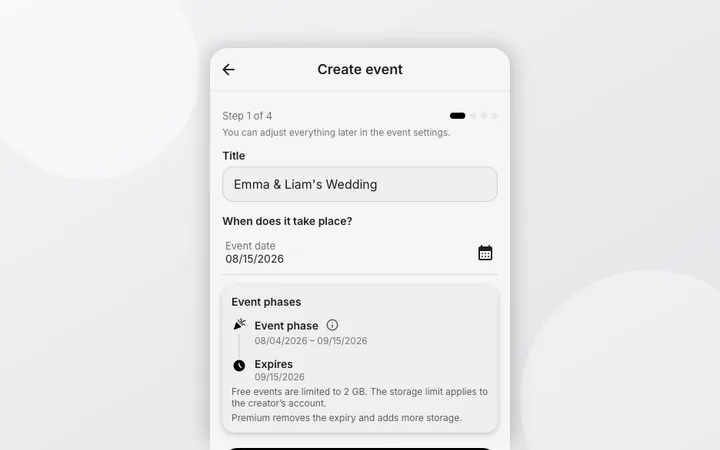
Getting started
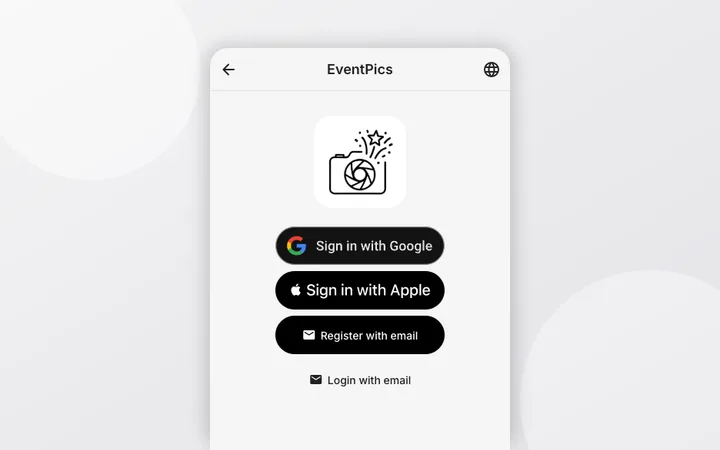
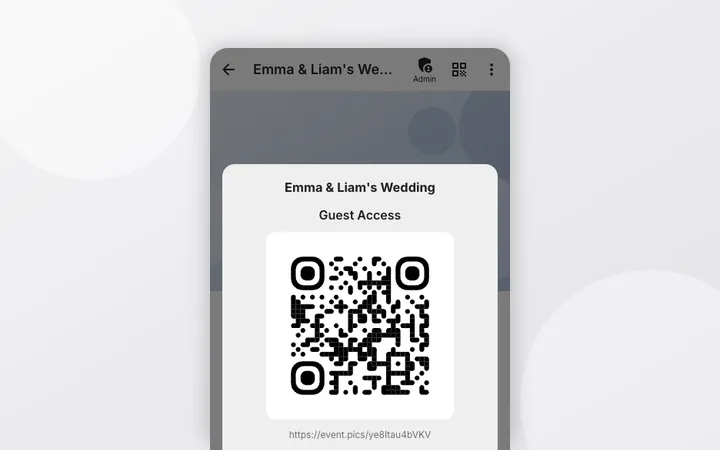
For hosts & admins
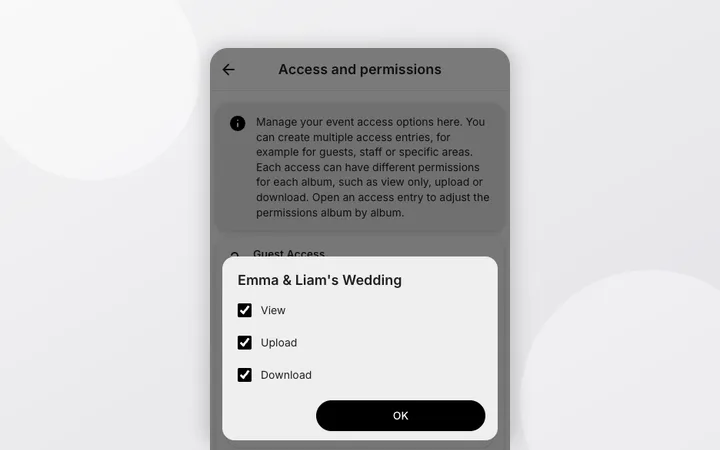
For guests
Power features
Ready in 5 minutes
- Create your event and give it a title.
- Copy the QR code or link.
- Print/show the QR code at the entrance, tables or bar, or share the link.
- Guests upload photos/videos without an account – on mobile or laptop.
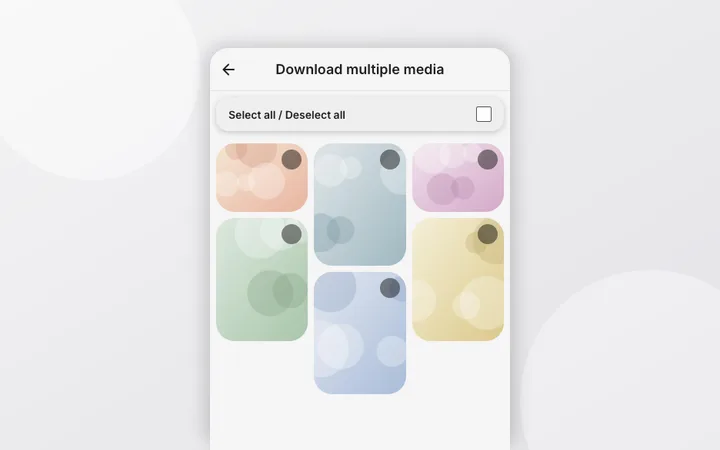
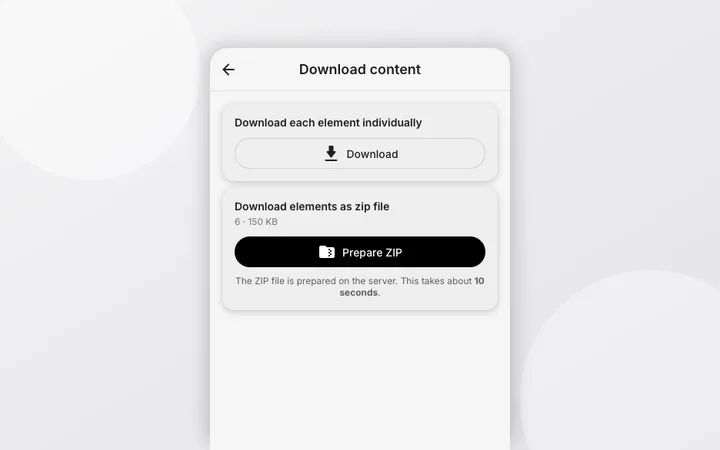
- Play a live slideshow or download everything afterwards.
Frequently asked questions
How long are photos stored?
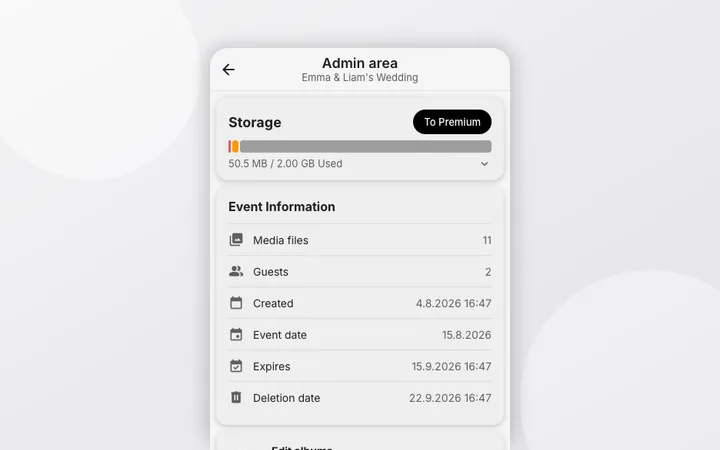
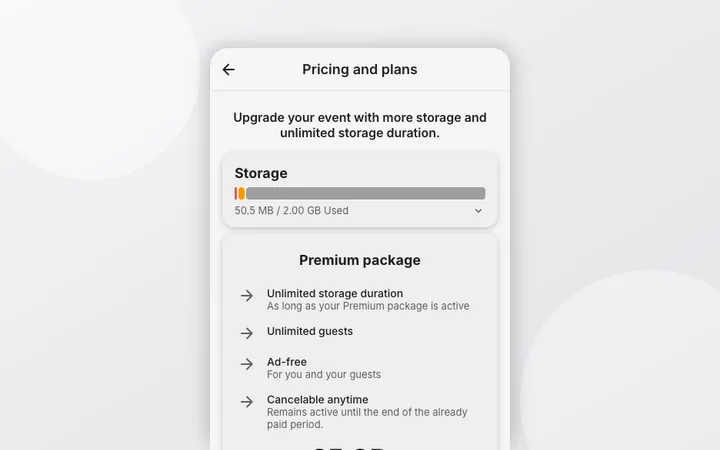
Free events store photos for a limited period after the event date, with a grace window before final deletion; the exact dates for your event are shown in the admin area. A Premium package removes the expiry while it is active. Details: duration and expiry guide.
Which photo and video formats are supported?
All common formats: JPG, PNG, WebP, GIF and iPhone HEIC/HEIF photos, plus camera RAW files (DNG, ARW, CR2, CR3, NEF, ORF) and videos (MP4, MOV, WebM and more). HEIC photos are converted on our servers so every browser can display them; originals always stay untouched and are stored in original quality.
Do guests need an app or account?
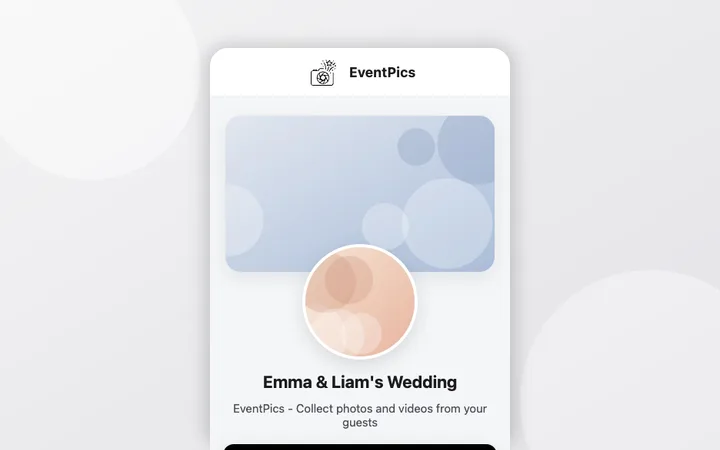
No. Guests scan the QR code or open the link and are in the gallery; uploading works without any registration whenever the access allows it. See how guests join and upload.
How do I show the photos live at the party?
Start the built-in live slideshow on a TV, beamer or tablet; new uploads appear automatically. Guide: live slideshow.
Can I approve photos before they appear?
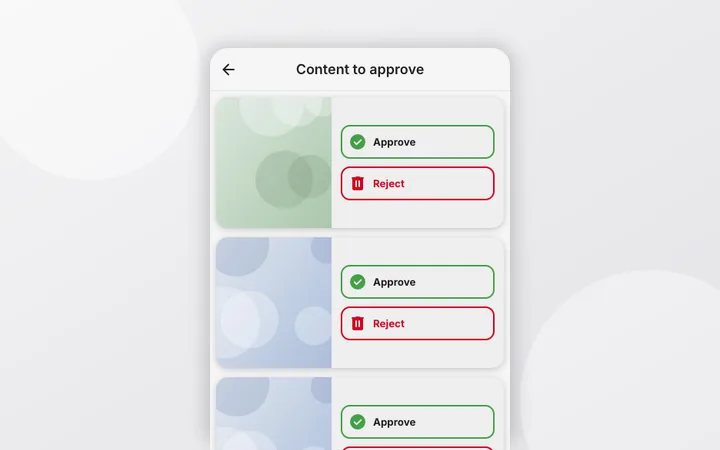
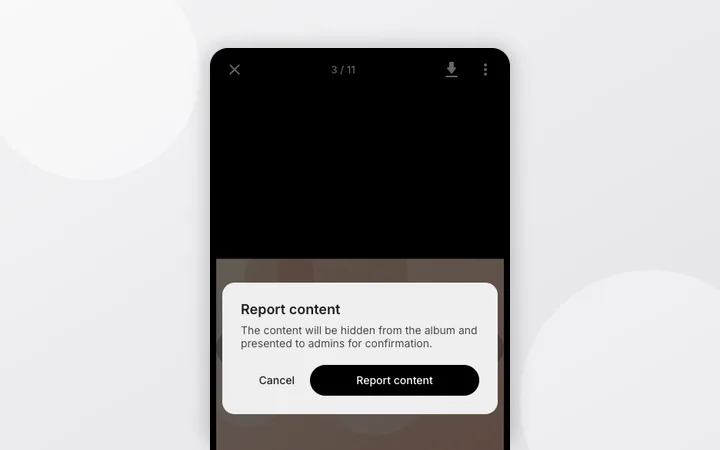
Yes. Turn on "Approve uploads before they appear" and every upload waits for an admin before other guests see it. Guide: upload approval.
Where should I place the QR code?
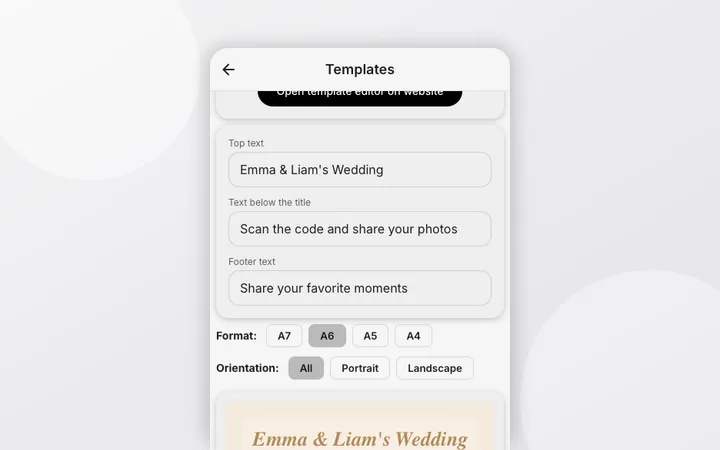
On every table, at the entrance and at the bar; also share the link in the WhatsApp group. Printable table cards and posters with your own text: QR templates.
Can a photo booth upload automatically?
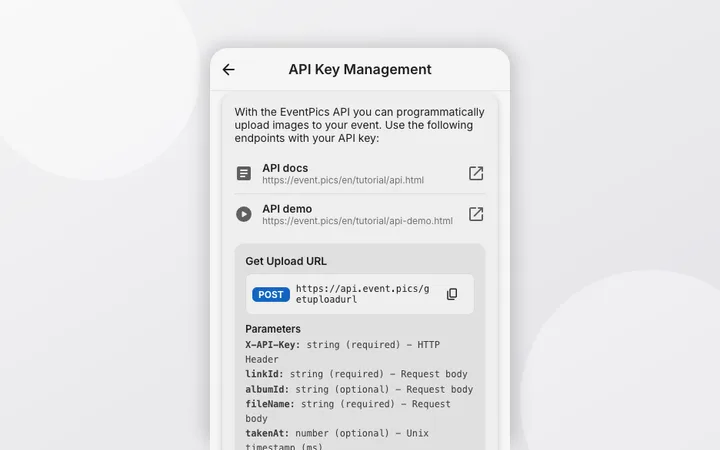
Yes, via the upload API with an API key: perfect for photo booths and scripts. Start with the API quickstart or the full API reference.