How Guests Join and Upload
Last updated: August 5, 2026
This is the flow your guests go through, and the best part: they never install an app and never create an account. Uploading without registration works whenever the access has upload permission.
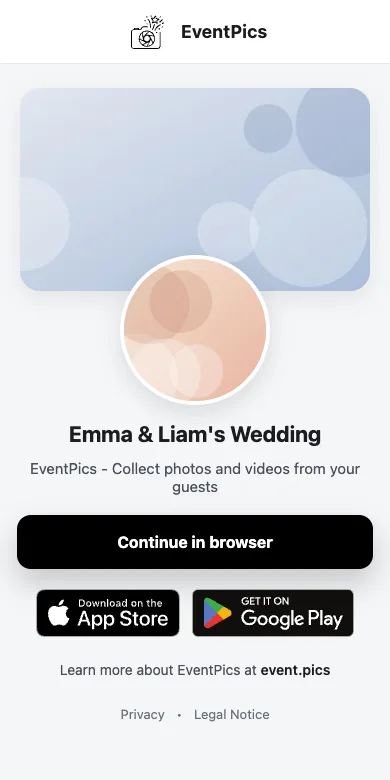
1. Open the link or scan the QR code
The shared link opens a small preview page. One tap on Continue in browser leads into the gallery.
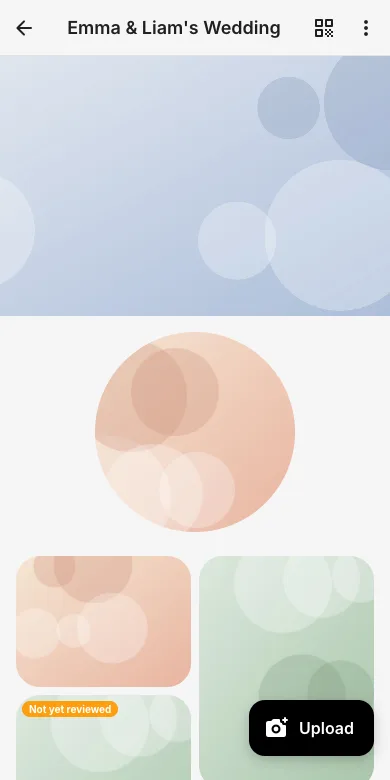
2. Browse the gallery
Guests see cover, profile image and all photos they are allowed to view, instantly, on any phone, tablet or laptop.
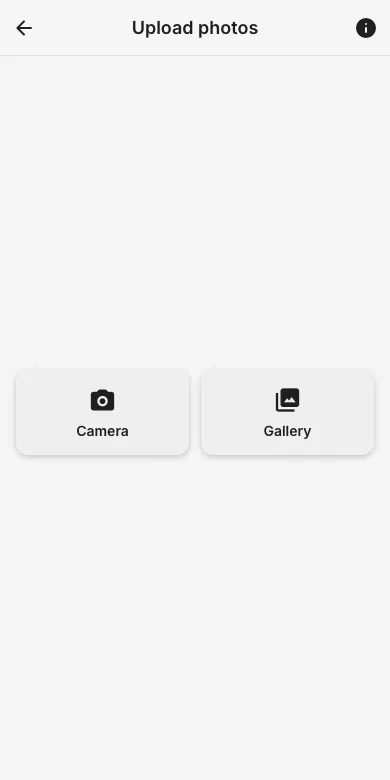
3. Upload without an account
Tap Upload, choose Camera or Gallery, select any number of photos or videos, done. No sign-up needed, in the browser or the app. Files upload in original quality.
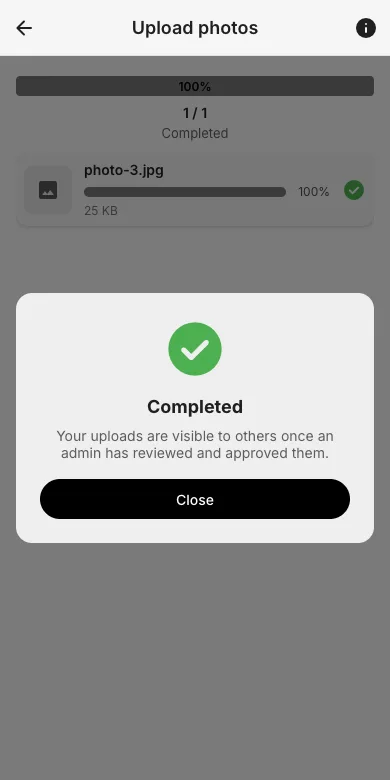
4. Confirmation
The upload page shows the progress of every file. If the event uses upload approval, guests see a note that their photos appear once an admin approved them.
5. The event stays on the start screen
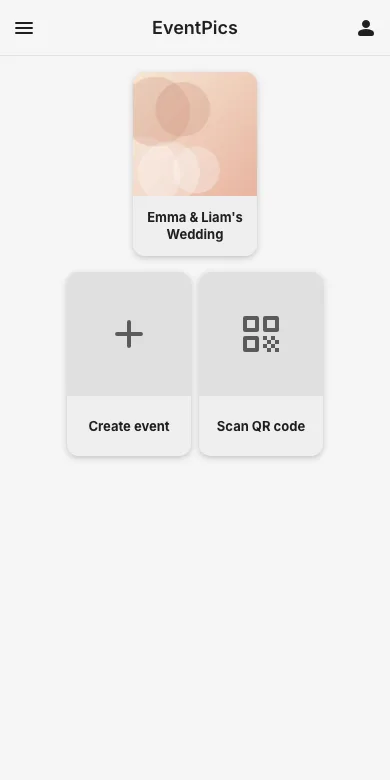
The event is remembered on the guest's start screen, so coming back later is one tap. Registering is optional and only needed to keep events across devices.
Try it yourself
EventPics is free to start: 2 GB storage, unlimited guests, upload in the browser or the app.
Open EventPics