QR code for party pictures
Put one QR code on the table and every guest becomes a photographer for your party. They scan it, pick their pictures and upload them straight into one shared album, in original quality, while the party is still going.
Free to start with 2 GB of storage. Works for house parties, New Year's Eve, graduation parties, office parties and every other celebration where a dozen phones take pictures and nobody sends them afterwards.



EventPics by the numbers
Real people already trust their shared event album to EventPics.
These figures come from our own usage statistics and are updated continuously. As of .
How it works
1. Create the party album
Create an event in the app or the web app and give it a name, for example "Summer party at Anna's". The QR code and an invitation link are generated with it.
2. Put the code where people are
Print it, put it on the tables, show it on the TV. Guests point their phone camera at it and the album opens. No account needed.
3. Pictures come in all night
Every upload lands in the same gallery within seconds, in original quality. After the party everyone can look through it and you download everything at once.
How to make a QR code for party pictures
A QR code is only a shortcut to a web address, so the album has to exist before the code does. That is why you do not start in a QR code generator but in EventPics: create the event and its code is ready the same moment, already pointing at your party album.
- Create the event and set the party date.
- Open QR code and link and download the code as PNG for screens or SVG for print.
- Want it to match the invitation? Restyle colors and shape in the free QR code generator or pick one of the print templates for table cards and posters.
- Scan the printed code once with your own phone before the guests arrive.
You can print the same code as often as you like. Every copy leads to the same album, so the card at the bar and the poster at the door collect into one place.
Where to put the QR code at a party
- At the entrance: a poster with one line, "Scan and add your party pictures", catches everyone on arrival.
- On the tables and at the bar: small table cards are what people actually scan, because that is where they stand around with their phones.
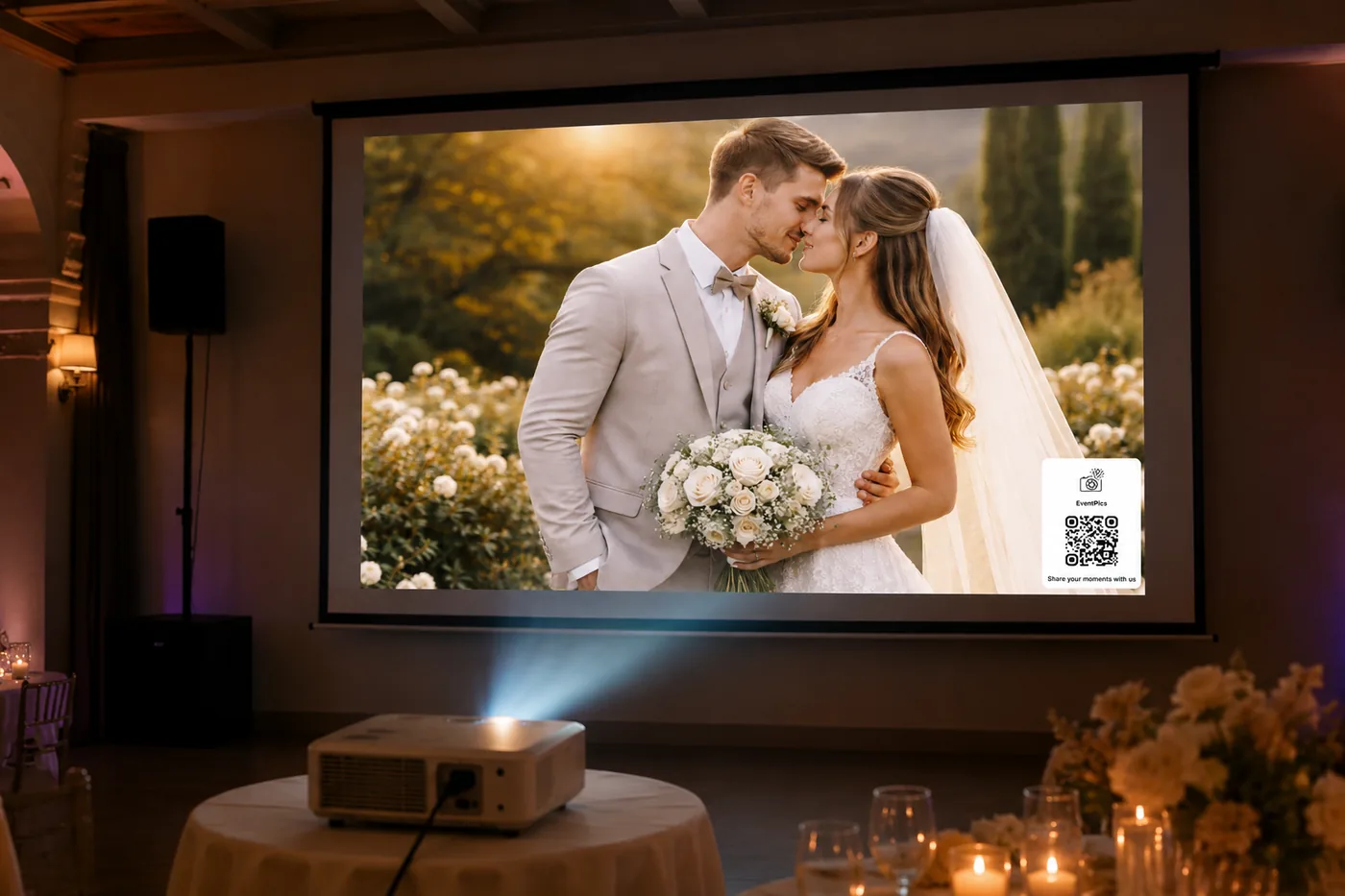
- On the big screen: run the live slideshow on a TV or projector and show the code in the corner. Seeing their own pictures appear is the best reminder to upload more.
- In the invitation: add the link to the invitation or the group chat, so guests who leave early can still send their pictures the next morning.
A party cam that every guest already has
Disposable cameras on the tables used to be the trick for candid party pictures. The phones in your guests' pockets take better ones, and with a QR code they end up in your album instead of staying in a camera roll. You get the pictures from every corner of the room: the dance floor, the kitchen, the late night conversations on the balcony.
Guests who use the EventPics app for iPhone or Android get uploads that keep running in the background. Everyone else continues straight in the browser with the same gallery and the same upload button. Videos work too, so the speech and the countdown are not lost either.
Want people to take more than the usual group shot? Give them a few tasks. A photo challenge with prompts like "the best dance move" or "someone you met tonight" gets quiet guests involved.
For every kind of party
Birthday parties
From the kids' party to the 50th: QR code for birthday party photos.
New Year's Eve
Midnight pictures from everyone, before they are buried in the chat: New Year's party photos.
Christmas and holiday parties
For the office party and the family get together: Christmas party photos.
Graduation parties
Classmates, parents and teachers in one album: graduation photo sharing.
Bachelor and hen parties
You decide who may see what: bachelor and hen party photos.
Office and company parties
With admin roles and a data processing agreement: company event photos.
After the party
The album stays online, so guests can keep adding pictures the next day and look through what the others took. You can download everything as a ZIP in original quality, or let the Google Drive backup copy every upload into your own Drive automatically.
You stay in control the whole time. You decide whether guests may only upload or also view and download, you can remove single pictures, and you can close the album when the party is over.
What users say
„Loving this app! We had a tech glitch, and Matthias was incredibly helpful and friendly as he helped to resolve the issue. It's now working exactly as it's intended, and we're extremely happy with the result.“
Ginny Carroll · Trustpilot
„It's a great app and the customer service is one of the best I've ever experienced! Highly recommend for any bride/groom to use for their big day!“
Millie7891 · App Store
Frequently asked questions
Is the QR code for party pictures free?
Yes. Every account includes 2 GB of storage for free, and the QR code comes with every event. If your party needs more space, Premium is cancelable monthly.
Do guests need an account?
No. Guests scan the code and can upload right away. Only you as the host need an account.
Do guests have to install the app?
They can choose. The EventPics app for iPhone and Android uploads in the background and is the most comfortable way. Guests who prefer the browser get the same gallery there.
Can guests upload videos too?
Yes. Photos and videos go into the same album, both in original quality.
Can I keep the pictures private?
Yes. Only people with the code or link get in, and you decide whether guests may only upload or also see and download the album. You can remove single uploads at any time.
How long does the album stay online?
Free events have a 6 week event phase. With active Premium your album stays available without a time limit. With the Google Drive backup every upload is also kept in your own Drive. All details