Run a Photo Challenge
Last updated: August 5, 2026
A photo challenge gives guests missions ("a photo with the bride", "the best dance move", "the funniest face") and fills your gallery with moments no photographer catches. Here is the proven setup with EventPics.
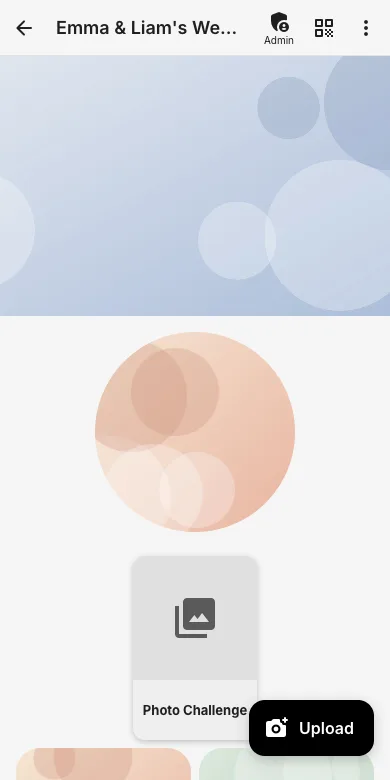
1. Create a "Photo Challenge" sub-album
Add a dedicated sub-album so challenge photos stay together and are easy to browse during the party.
2. Print the task cards
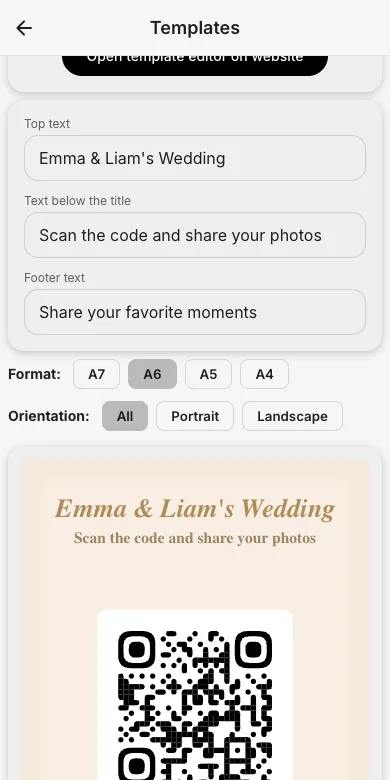
Create the task cards with our free photo challenge generator on the website: it comes with ready-made tasks, editable wording and printable cards. Put one card on every table, together with the event QR code from the QR templates.
3. Show the results live
Let the live slideshow run during the evening: new challenge photos appear on the screen and motivate everyone to keep playing. Afterwards, pick the winners together.

Try it yourself
EventPics is free to start: 2 GB storage, unlimited guests, upload in the browser or the app.
Open EventPics