Organize with Sub-Albums
Last updated: August 5, 2026
Sub-albums keep large events tidy: Ceremony, Party, Photobooth, Photo Challenge. Each sub-album can have its own permissions per access, so some areas can be admin-only or upload-only.
1. Add a sub-album
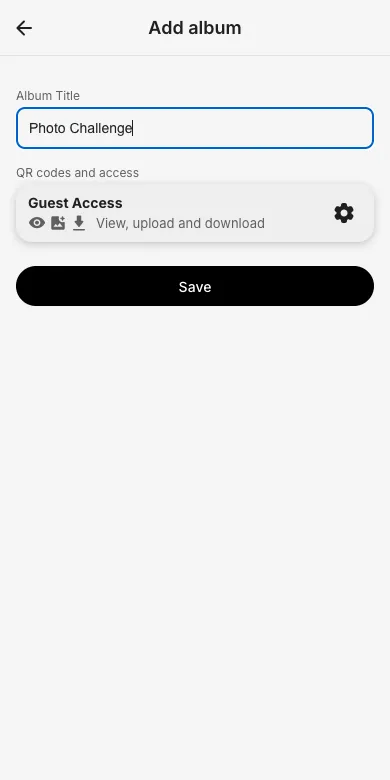
In the admin area open Edit albums and tap Add Sub Album. Enter a title and check the permissions each access should have for this album, then save.
2. Guests see it as a card
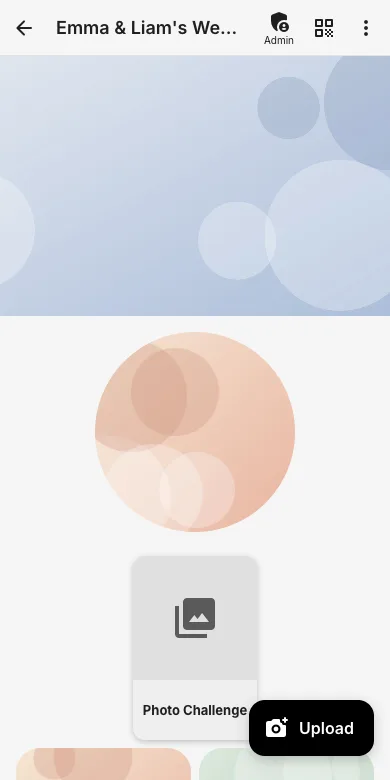
The sub-album appears as a card in the gallery. Guests tap it to browse and upload inside; photos stay neatly separated.
3. Fine-tune per access
Under Access and permissions you control per access what is allowed in every album, for example the photographer may download from all albums while guests only upload into the challenge album.
Try it yourself
EventPics is free to start: 2 GB storage, unlimited guests, upload in the browser or the app.
Open EventPics