Add a Profile and Cover Image
Last updated: August 5, 2026
A cover image and a profile image give your gallery an inviting, personal look. They are the first thing guests see when they open your link.
1. Open the admin area
Open your event and tap the Admin shield in the top bar. The admin area bundles everything you manage as the host.
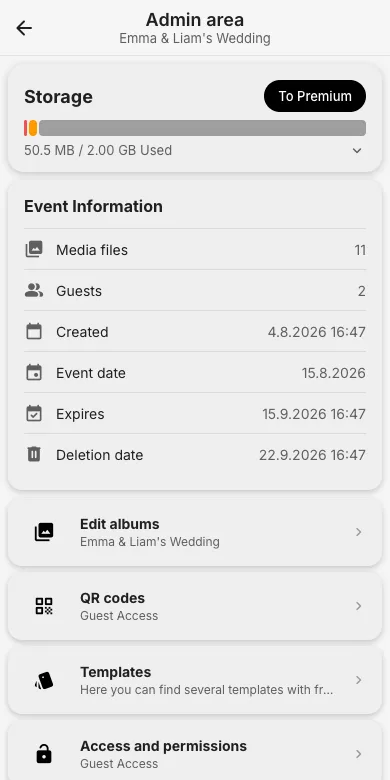
2. Go to "Edit albums"
Tap Edit albums. The album opens in edit mode: the wide banner at the top is the cover image, the round circle is the profile image. Each has a pencil button.
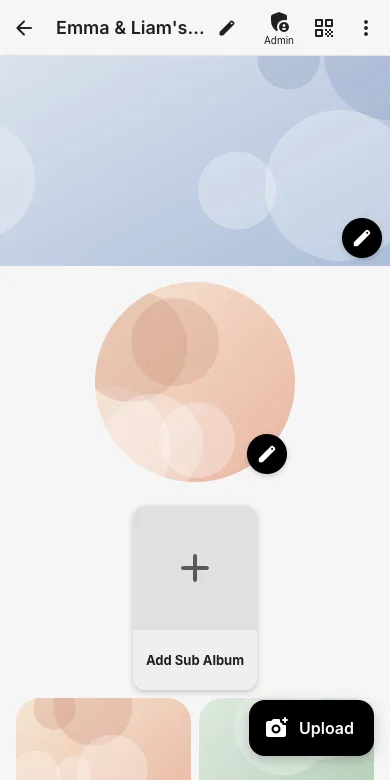
3. Pick the image
Tap the pencil on the cover or profile placeholder, then choose Camera or Gallery. Pick a photo and it uploads and appears immediately.
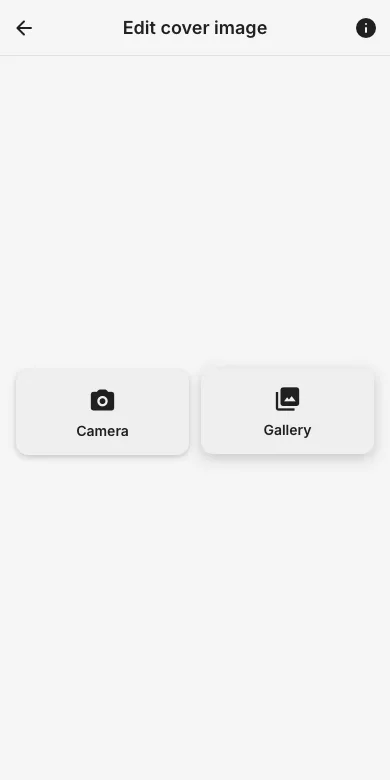
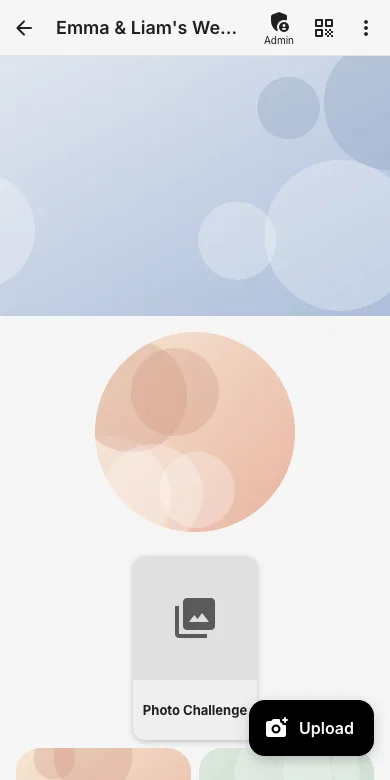
4. The result
Cover and profile image now frame your gallery for every guest. You can replace either at any time the same way.
Try it yourself
EventPics is free to start: 2 GB storage, unlimited guests, upload in the browser or the app.
Open EventPics