Create Multiple Access Codes
Last updated: August 5, 2026
An event can have several access entries, each with its own link, its own QR code and its own permissions per album. Typical setup: guests may view and upload, the photographer may also download, the photo wall gets view-only access.
1. Open "Access and permissions"
In the admin area, open Access and permissions and tap Add access.
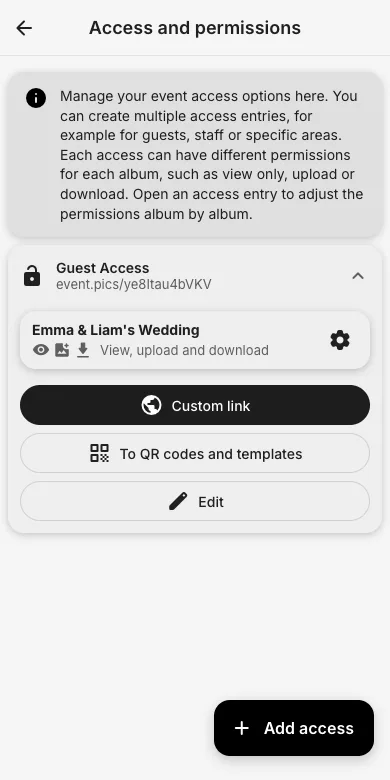
2. Name it and set the rights
Give the access a title (for example "Photographer" or "Photo wall") and set View, Upload and Download per album. Save it.
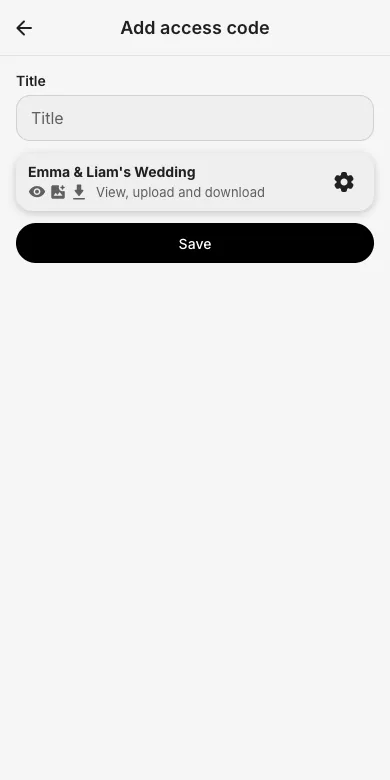
3. Share the matching QR code
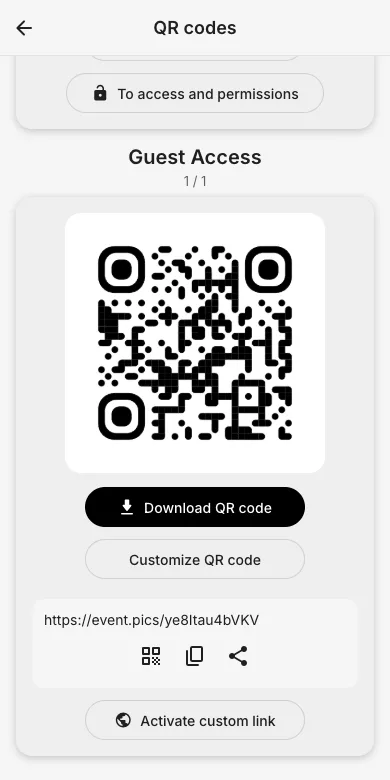
Every access has its own link and QR code under QR codes in the admin area. Hand each group its own code; you can change or revoke rights at any time without affecting the others.
Try it yourself
EventPics is free to start: 2 GB storage, unlimited guests, upload in the browser or the app.
Open EventPics