Report and Review Content
Last updated: August 5, 2026
Every guest can flag content. A reported photo disappears from the gallery immediately and lands in the admin review queue: community moderation without drama.
1. Report as a guest
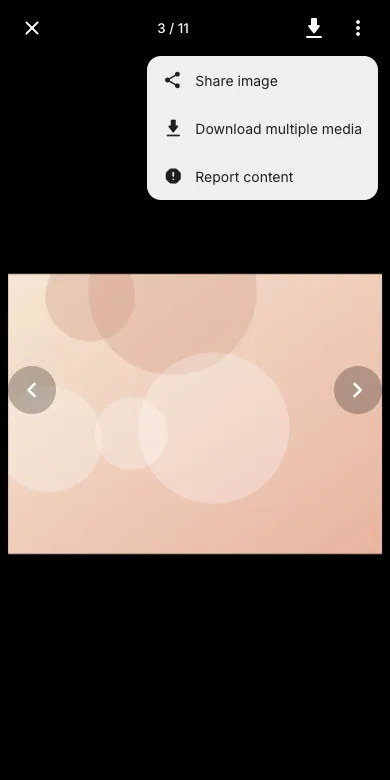
Open the photo in fullscreen, tap the three-dot menu and choose Report content.
2. Confirm the report
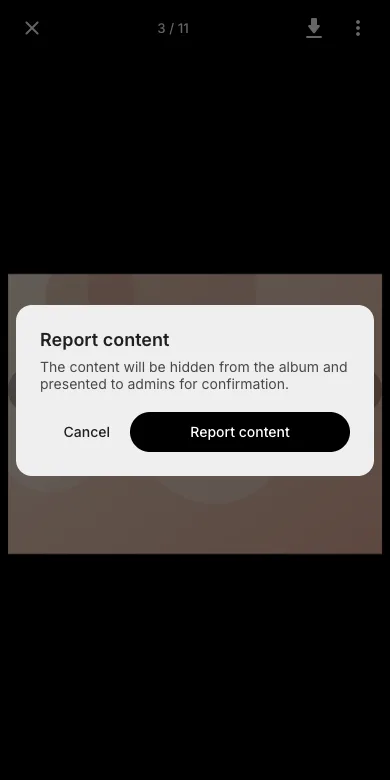
The dialog explains what happens: the content is hidden from the album and presented to the admins for review.
3. Review as admin
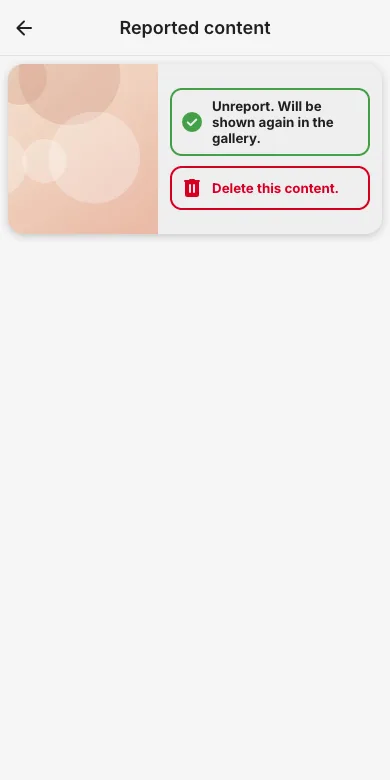
Admins see reported items under Reported content in the admin area and either unreport (shown again in the gallery) or delete the content.
Try it yourself
EventPics is free to start: 2 GB storage, unlimited guests, upload in the browser or the app.
Open EventPics