Free baptism photo sharing with QR code
With EventPics you collect all photos and videos of your baptism in one private album. Guests just scan the QR code, upload in seconds and you keep every perspective in original quality — no compression and no scattered chats.
The album is set up in minutes, works in the browser or via app and stays accessible after the event. Place QR codes on tables, ask friends to remind guests and start a live slideshow on TV or projector so every snapshot becomes a shared memory.



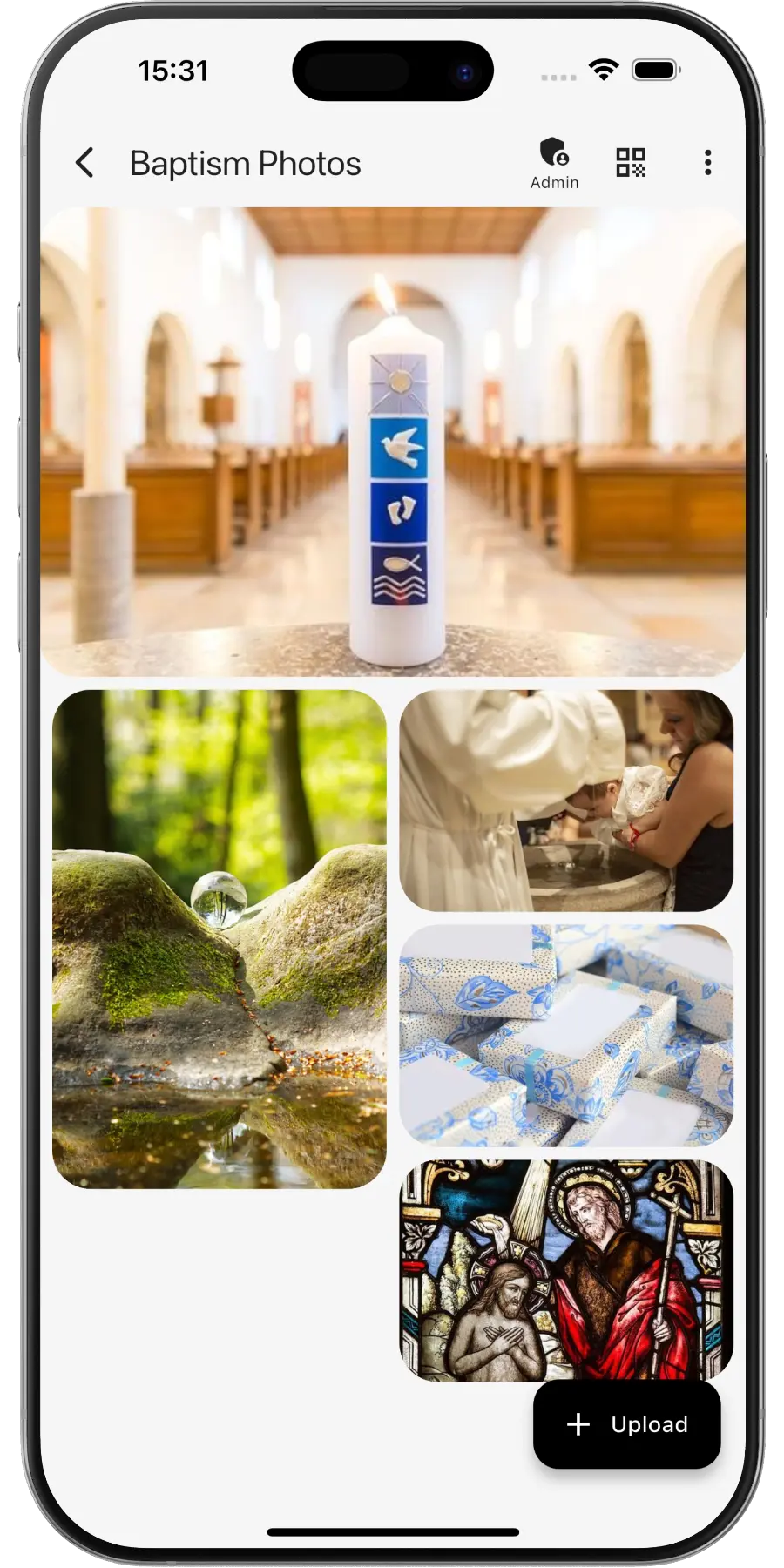
Create a private online photo gallery for the baptism – family and friends can upload and view photos easily.
EventPics by the numbers
Real people already trust their shared event album to EventPics.
These figures come from our own usage statistics and are updated continuously. As of .
What users say
Wedding
„It's a great app and the customer service is one of the best I've ever experienced! Highly recommend for any bride/groom to use for their big day!“
Millie7891 · App Store
Family gathering
„When you have an open house gathering and all your family members are hosting, topping up food/ drinks etc, you dont have time to take photos of the guests who attended. With eventpics, just print a bunch of QR codes, scatter them all over the house and just watch your album filled up with pics of happy, well fed guests.“
Zul A · Google Play
Support
„This app worked well for gathering pics from 2 events. The only downside is that once uploaded you can't see who uploaded them. We had a small issue logging on initially but support was quick and solved. I judge a site by its service and they did well!“
Caroline Bareham · Google Play
How it works
1. Create event
Create an event titled “Baptism”. A QR code and link are generated automatically.
2. Share QR or link
Family and friends scan or open the link and upload right away.
3. Upload & enjoy
Original quality for photos and videos. ~500 phone photos free – upgrade to Premium anytime.
QR code for your baptism
- Create the baptism event in EventPics and the QR code is generated automatically. For a design that matches the invitation, use our QR Code Generator.
- Ask the parish beforehand whether photos are welcome during the service. Either way, the best spot for the code is the tables at the meal or reception, not the church pews.
- Print it on the order of service or on a small card next to the place cards, where godparents and grandparents find it as they sit down.
- Send the link to relatives who could not travel, so they can view and add photos from home.
- First time? Step by step: how to share event photos with all your guests.
Who takes the baptism photos
A baptism is a small, family-centred day, and there is rarely a professional photographer. The pictures come from grandparents, godparents, aunts and older cousins, each with a phone and a different seat in the church. Afterwards they travel through family chats in reduced quality, and the great-grandmother who could not make the journey or the relatives abroad see only a handful. A private album collects every special moment, from arrival to the celebration, in original quality, and one link is all you need to share it with loved ones near and far.
It works just as well for baby shower photo sharing or family gathering photo sharing.
Baptism moments to look out for
- The baby in the christening gown before leaving home
- Parents and godparents at the font, if the parish allows photos
- The baptism candle being lit and handed over
- Each godparent holding the baby, one photo per godparent
- Four generations in one picture, if great-grandparents are there
- Small details: the invitation, the candle, the cake topper
- The family meal or garden reception afterwards
- Siblings and cousins playing, the photos nobody poses for
Practical tips for the baptism album
- Name the album with the child’s name and the date, e.g. “Emil’s Baptism, 21 Sep 2026”.
- Tell older relatives that the browser is enough and the app is optional. Show one grandparent how to scan, and they will show the others.
- Play a short slideshow on a TV during coffee and cake, so guests see the church photos they missed from their seat.
- Share the link with family abroad on the same day, so they feel part of it.
- Afterwards, download everything as a ZIP or connect Google Drive so every photo and video also lands in your own Drive, and pick your favorites for the thank-you cards.
Frequently asked questions (FAQ)
Can relatives abroad see the photos?
Yes. Send them the link. They can open the album in the browser, look at the photos and add their own congratulations.
Can we keep the album private to the family?
Yes. The album is private and only people with your QR code or link can open it. Share it within the family and it stays there.
Can we take photos during the ceremony?
That depends on your parish, so ask beforehand. Many families collect most photos before and after the service and at the celebration.
Can grandparents take part without installing anything?
Yes. Scanning the QR code with the phone camera opens the album in the browser. The app is optional.
Do guests need an account?
No. Guests scan the QR code or open the link and can upload right away.
How much is free?
2 GB of storage (about 500 phone photos) is always free. Free events have a 6-week event phase. For planned dates, an additional planning phase is included beforehand. With Google Drive connected, every photo and video also lands in your own Google Drive and stays there, even after the event expires. All details → You can upgrade with Premium anytime.
Is the original quality preserved?
Yes. EventPics stores and lets you download in original resolution, ideal for prints.
Can guests upload videos?
Yes, photos and videos are supported; the original files stay intact.